 Mission Alarm
Alarm clock for iPhone
Mission Alarm
The alarm that doesn’t stop until you’re out of bed.
Every alarm ends with a mission your body has to finish — scan a code at the sink, walk your steps, let the light in. Walk away from it, and the alarm rings again.
 Free to start · No account · iPhone with iOS 26
 Rotate
 Scan Code
 Math
Math Steps
Steps Light Up Room
 Photo Target
How a morning goes
Set it, then earn the silence.
-
TONIGHT · 22:30
Set the alarm
Pick the time, the days it repeats, and the mission that suits tomorrow.
-
07:00
Complete the mission
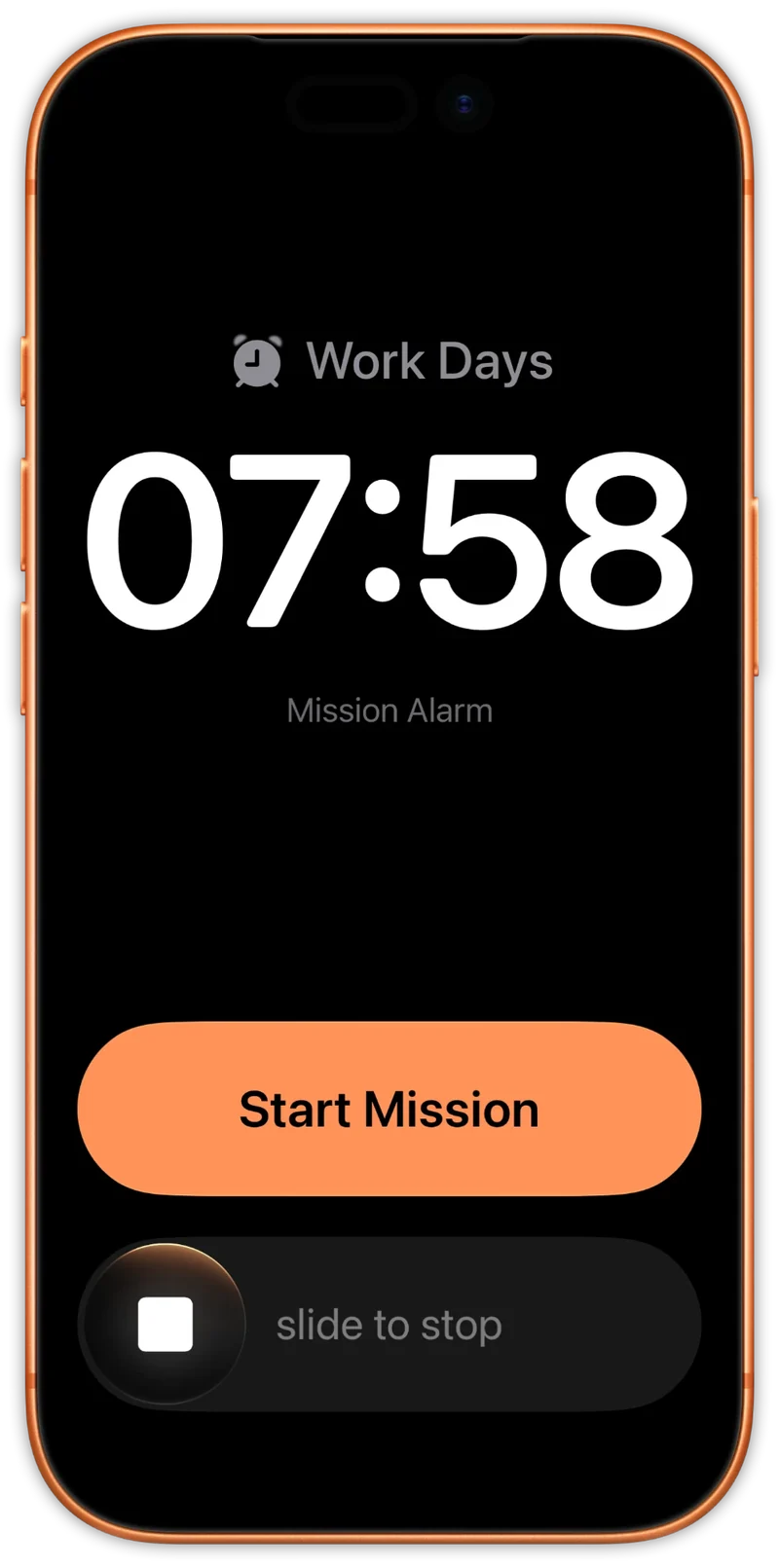
Stopping the ring starts the mission, and the mission needs your body, not a tap. Leave it unfinished and the alarm rings again.
-
07:03
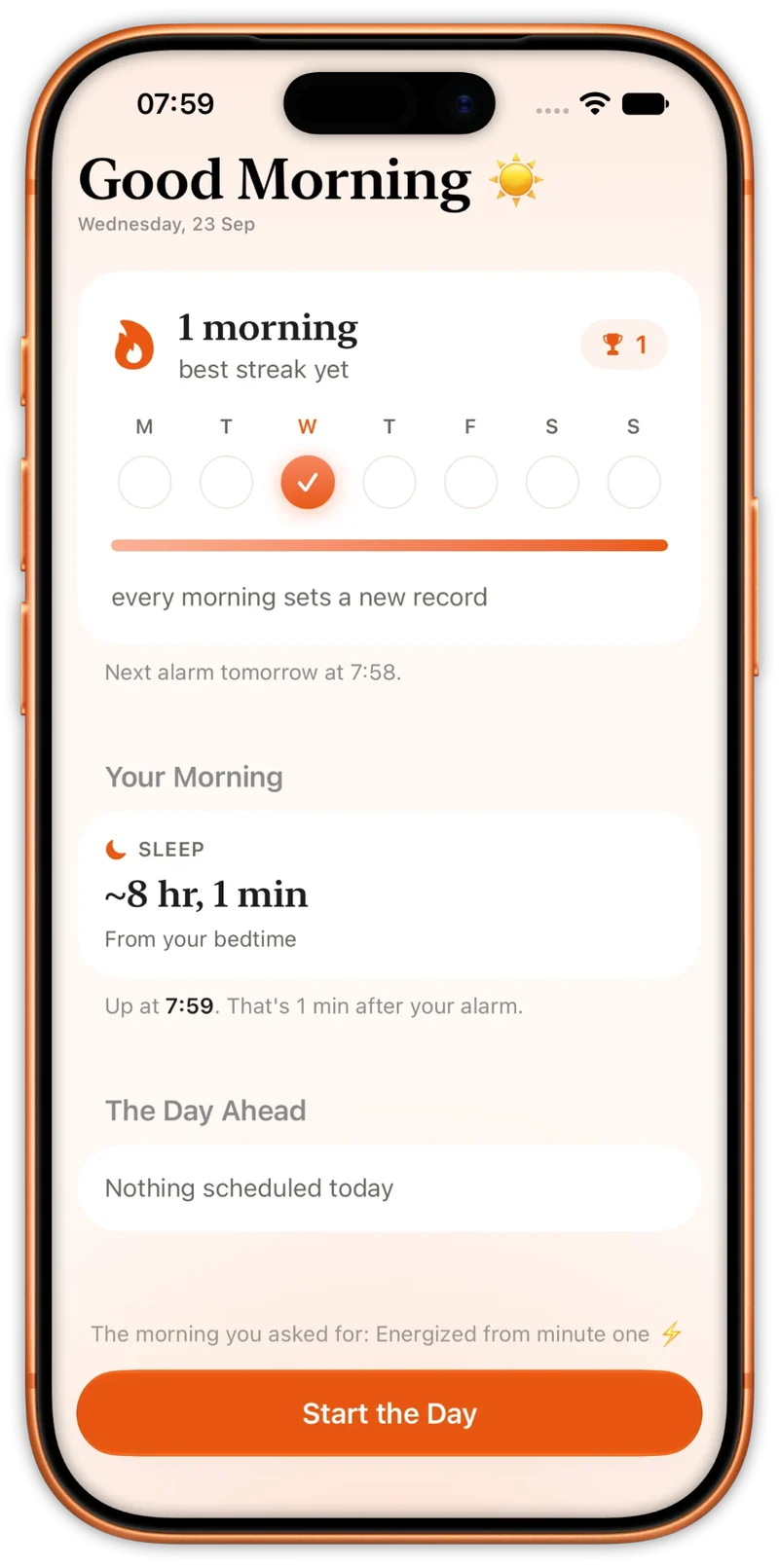
Get your briefing
The backup rings stand down. A short morning briefing, and one more day on the streak.
The missions
Six missions. One quiet morning.
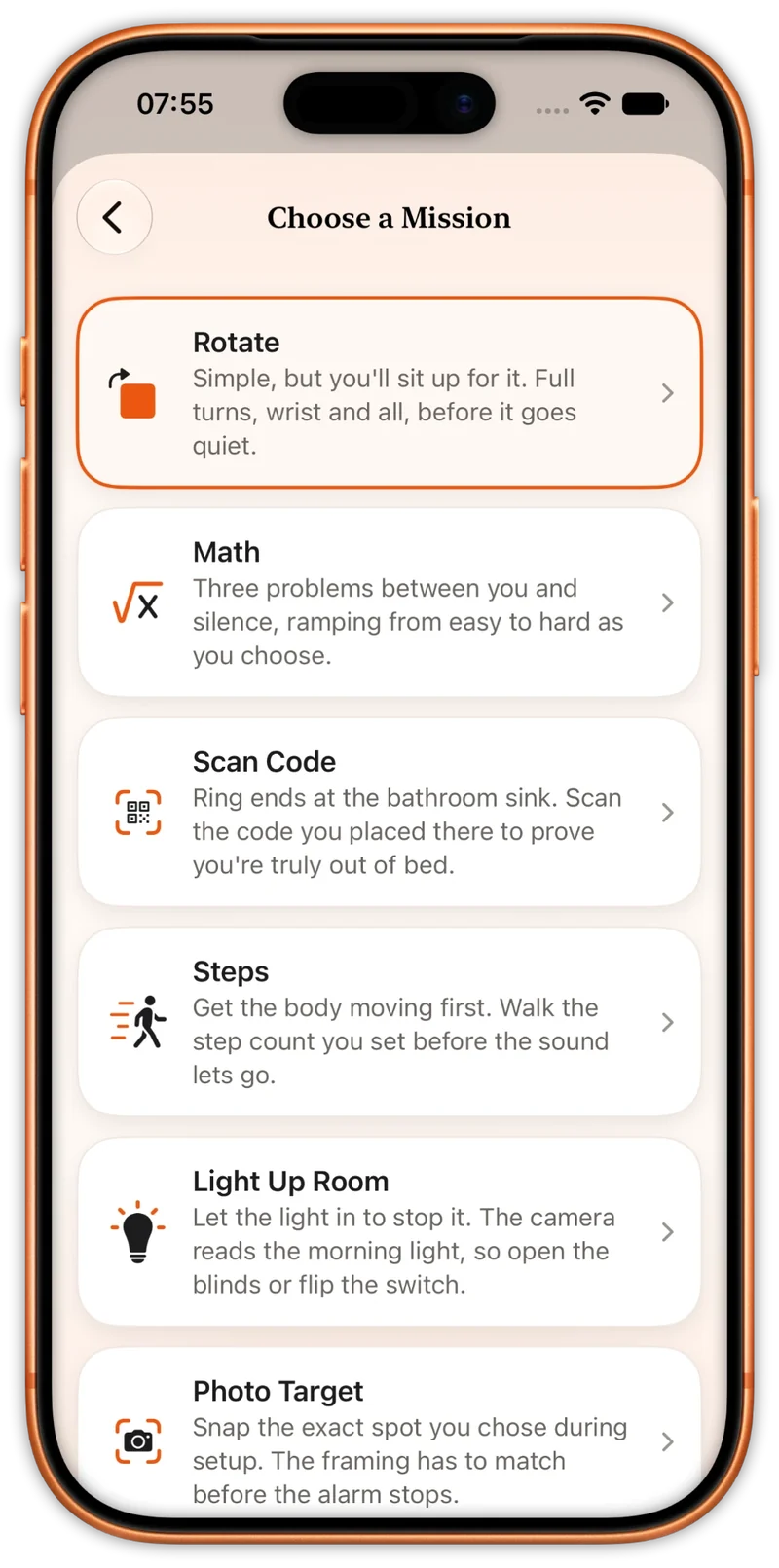
Every mission is built to get you upright, and each one is tuned to you — the turns, the problems, the steps, how bright the room has to be. Rotate is free; the other five come with Pro.
-
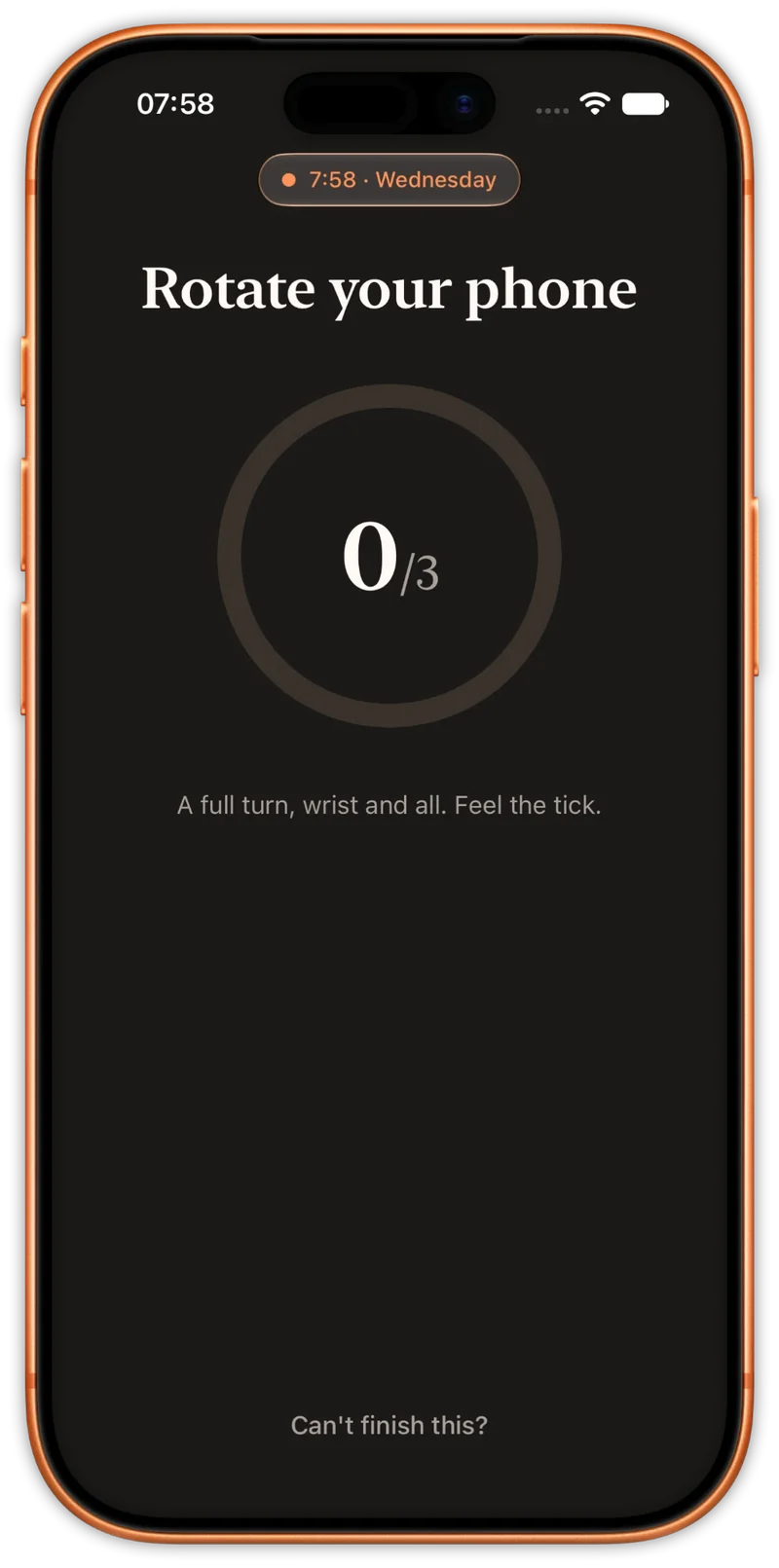
Rotate
FreeSimple, but you’ll sit up for it. Full turns, wrist and all, before it goes quiet.
-
Scan Code
ProRing ends at the bathroom sink. Scan the code you placed there to prove you’re truly out of bed.
-
Math
ProThree problems between you and silence, ramping from easy to hard as you choose.
-
Steps
ProGet the body moving first. Walk the step count you set before the sound lets go.
-
Light Up Room
ProLet the light in to stop it. The camera reads the morning light, so open the blinds or flip the switch.
-
Photo Target
ProSnap the exact spot you chose during setup. The framing has to match before the alarm stops.
If you drift off
Built not to miss a morning.
All of this comes free, with every alarm.
- Backup rings
- Stop the ring and drift back to sleep, and the alarm rings again at two, four and seven minutes. Finishing the mission calls them off.
- Rings on silent
- Built on Apple’s AlarmKit, so it rings the way the Clock app does — in Silent mode, through Focus, on the Lock Screen.
- On the Lock Screen
- A Live Activity keeps the mission and the next ring in view on the Lock Screen and in the Dynamic Island.
- A way out when you need one
- Camera or motion switched off? The morning falls back to Math. Can’t finish at all? A deliberate slide stops the alarm — and the streak with it.
After the alarm
The rest of the morning
- Morning briefing
- Once the mission is done, a short briefing opens the day with roughly how long you slept. With Pro it adds the local sunrise and today’s events from your calendar.
- Local sunrise Pro
- See when the sun comes up where you are, right next to your alarm — and whether you beat it.
- Bedtime reminder
- Set a sleep goal and a wind-down, and a nudge arrives in the evening so tomorrow’s mission starts on enough sleep.
- Journey
- Every morning you win adds to your streak and your record. With Pro, a calendar of your mornings and a chart of when you actually got up.
- Wake sounds
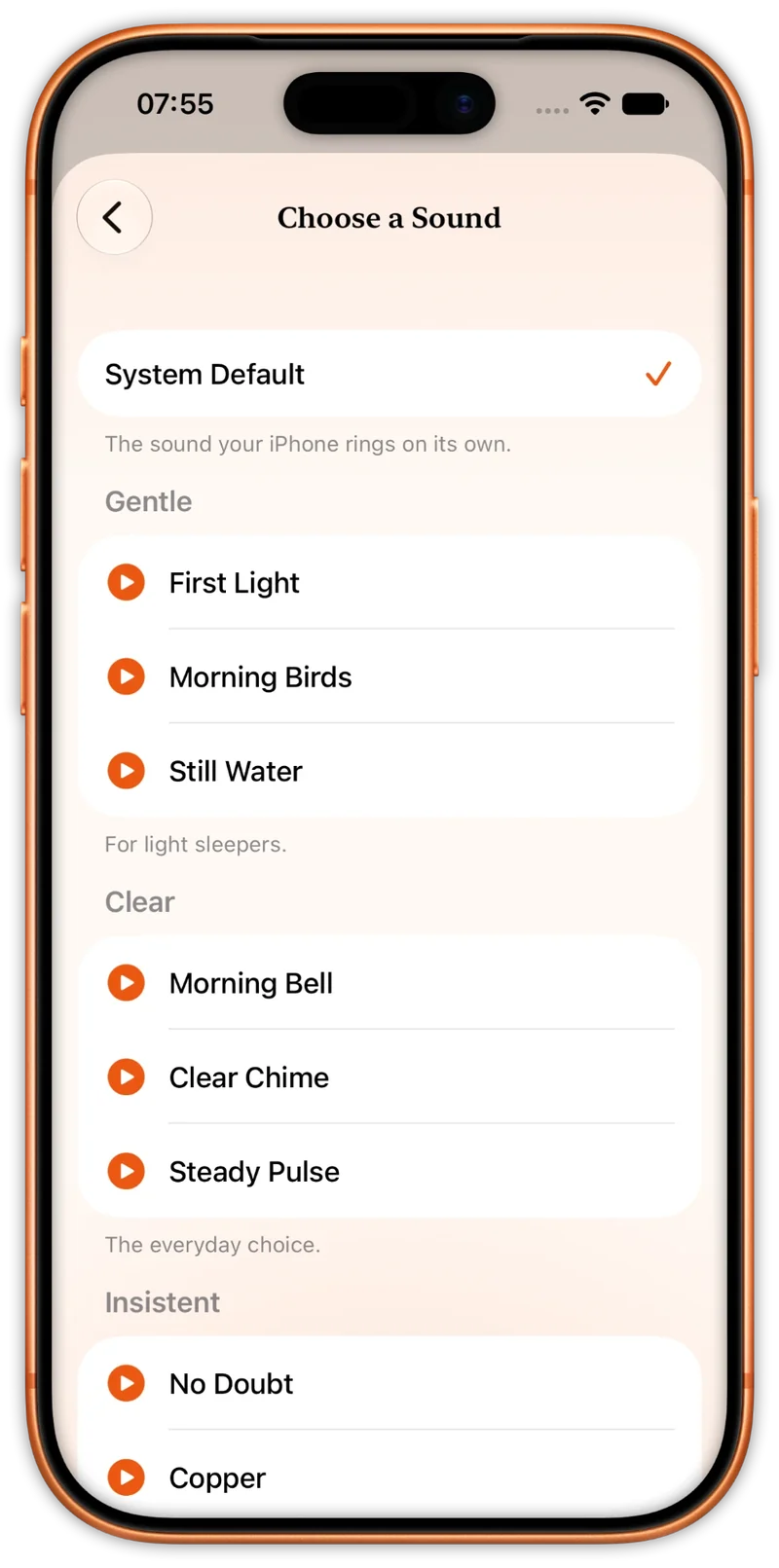
- Gentle, clear or insistent — choose how the morning starts. Two sounds come free; Pro opens the whole library.
- Widgets Pro
- Your next alarm, its days and its mission on the Home Screen and the Lock Screen.
Inside the app
A quiet app for a loud job.
Warm, simple, and honest about the one thing it’s here to do: get you upright.
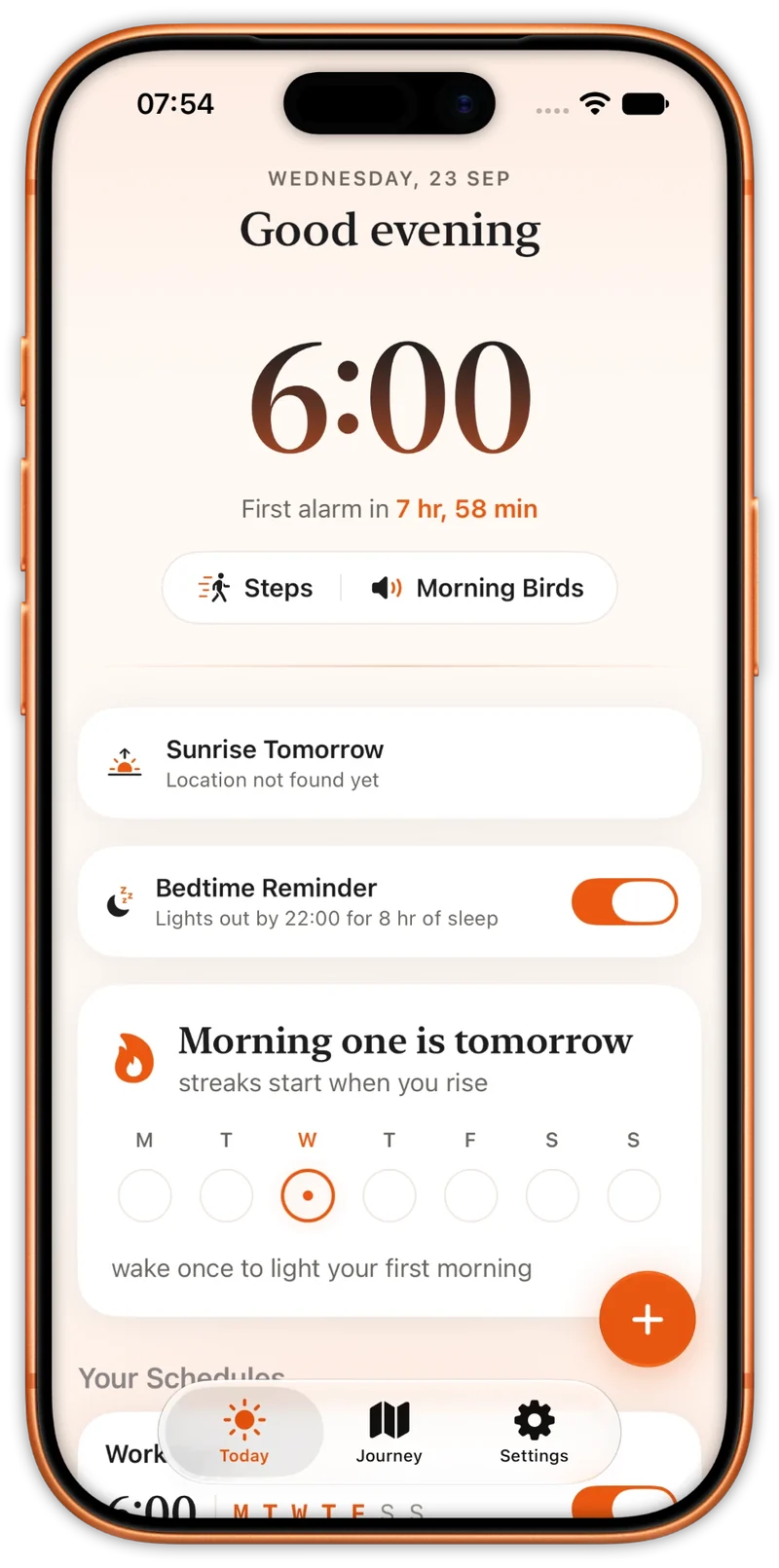
Swipe for more
No account
Your mornings live on your iPhone.
No account to make and nothing to sync. Your alarms, your missions, your target photo and your streak are stored on the phone in your hand.
Go further
Mission Alarm Pro
Rotate, one alarm, backup rings and the bedtime reminder are free, forever. Pro opens up the rest, so the alarm can meet you wherever your morning needs it — at the sink, in the light, on your feet.
Choose Monthly, Annual with a free trial, or Lifetime — a single purchase that never renews.
Manage or cancel a plan anytime in App Store subscription settings.
- RotateFREE FOREVER
- All six missionsINCLUDED
- Unlimited alarmsINCLUDED
- SnoozeINCLUDED
- Full sound libraryINCLUDED
- Sunrise and calendarINCLUDED
- Journey historyINCLUDED
- WidgetsINCLUDED
Tomorrow morning
Be up with the first ring.
Free to start · Rotate free forever · Pro unlocks everything